Interactive Designs Insights
AI Tools Review
Best App Builders Tools in 2026
We tested and reviewed the top no-code and AI-powered app building platforms. Here are our top picks for entrepreneurs, developers, and teams looking to build faster.


The app development landscape has undergone a revolutionary transformation. What once required months of coding and expensive development teams can now be accomplished in days—sometimes hours—by anyone with a vision and the right tools.
No-code and AI-powered app builders have democratized software creation, opening doors for entrepreneurs, small businesses, and enterprise teams alike.
But with this explosion of options comes a new challenge: choosing the right platform. Each tool promises to be the fastest, most powerful, or easiest to use.
Some excel at web applications while others focus on mobile. Some leverage cutting-edge AI while others provide granular control over every detail. The wrong choice can cost you months of wasted effort and thousands in subscription fees.
That's why we conducted this comprehensive review. We didn't just read feature lists or watch demo videos—we built real applications on each platform, stress-tested their capabilities, and evaluated them against the metrics that actually matter: speed to launch, scalability, ease of use, and total cost of ownership.
Whether you're a solo founder looking to validate an idea, a startup ready to scale, or an enterprise team seeking to empower citizen developers, this guide will help you find the perfect app builder for your needs. We've distilled hundreds of hours of testing into actionable insights so you can make an informed decision and start building today.
Top-Rated AI Tool Reviews
Why this matters
In today's fast-paced digital landscape, businesses that leverage no-code and AI app builders ship products 3-5x faster and reduce development costs by up to 70%. The right tool can be the difference between launching first and watching competitors take the lead. This guide cuts through the noise to help you invest in platforms that actually deliver results.
How I Tested These Tools
I didn't just skim through features or rely on marketing claims. Each platform went through weeks of hands-on building, breaking, and real-world stress testing. Here's exactly what I did:
Real-World App Building
I created identical projects on each platform—a booking system, an e-commerce storefront, and a team collaboration tool—to see how they handle real business requirements.
Performance Benchmarking
Every tool was measured on load times, responsiveness, database query speeds, and how well apps performed under simulated user traffic.
Usability Deep Dive
From first signup to publishing a live app, I tracked every friction point, confusing UI element, and time-to-value for both beginners and experienced builders.
Extended Trial Period
No snap judgments here—I spent 4+ weeks with each platform to uncover hidden limitations, test customer support response times, and see how updates impacted existing projects.
The Tools Ranked
Ranked by overall performance, value, and user experience.
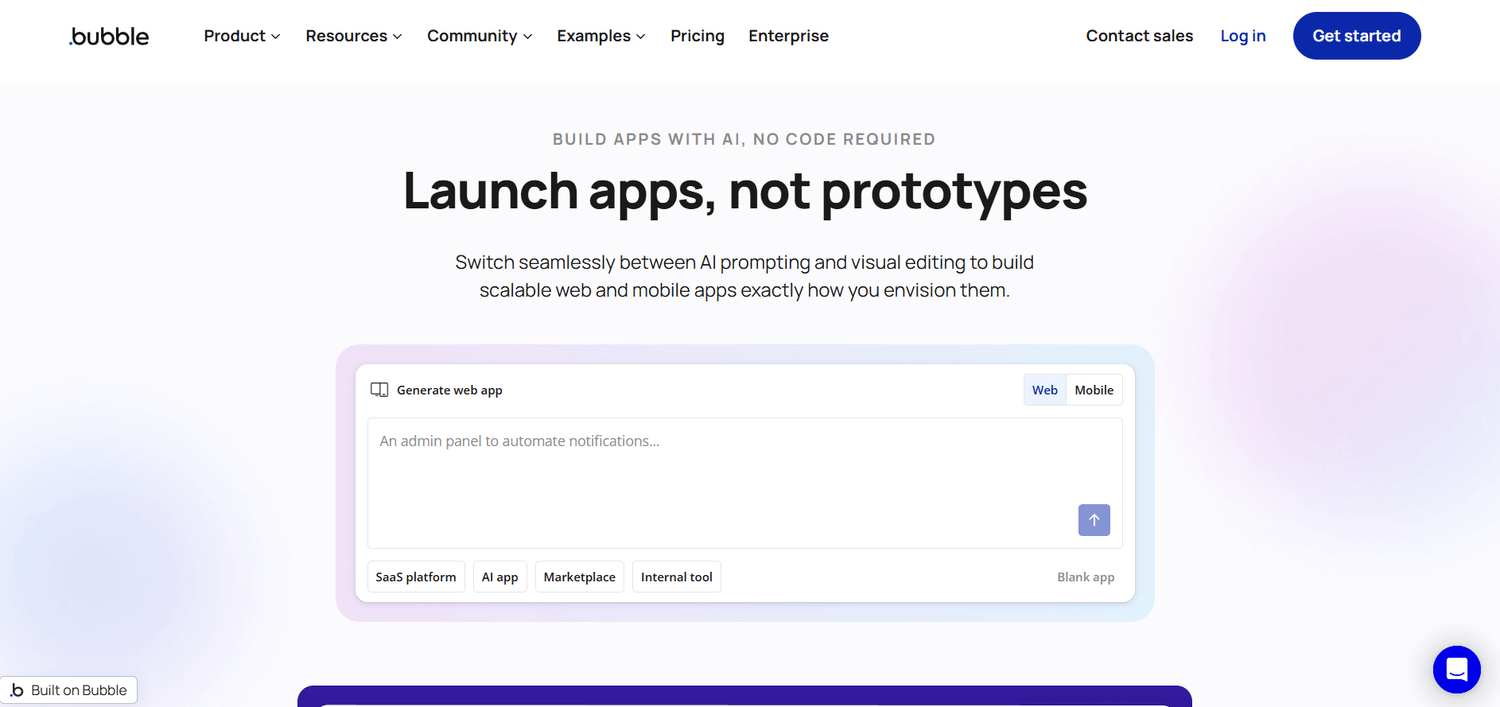
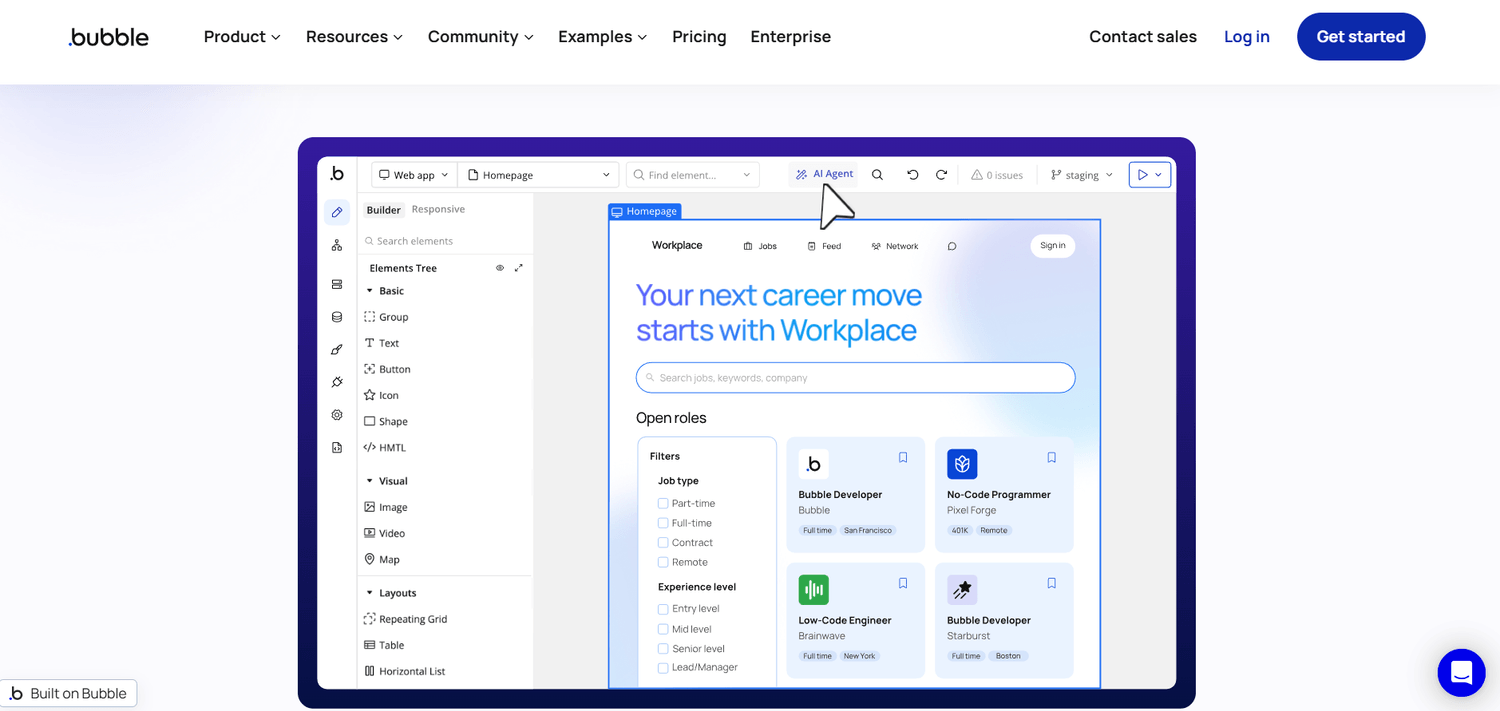
Bubble is the industry-leading no-code visual development platform that enables anyone to create complete web and mobile applications without writing code. With its powerful drag-and-drop editor, integrated relational database, and sophisticated workflow system, Bubble transforms complex app ideas into functional products in days instead of months. Over 3 million users trust Bubble for building everything from MVPs to production-ready SaaS platforms.
How to Use Bubble
1 Sign up for a free account at Bubble.io
2 Start with a template or create from scratch
3 Design your UI with the visual editor
4 Set up your database and workflows
5 Test your app and iterate on feedback
6 Deploy to production with one click
Starting at
Free tier • Starter from $29/mo
My Verdict
"The most powerful no-code platform for building complex web applications. Steep learning curve, but unmatched flexibility and depth."
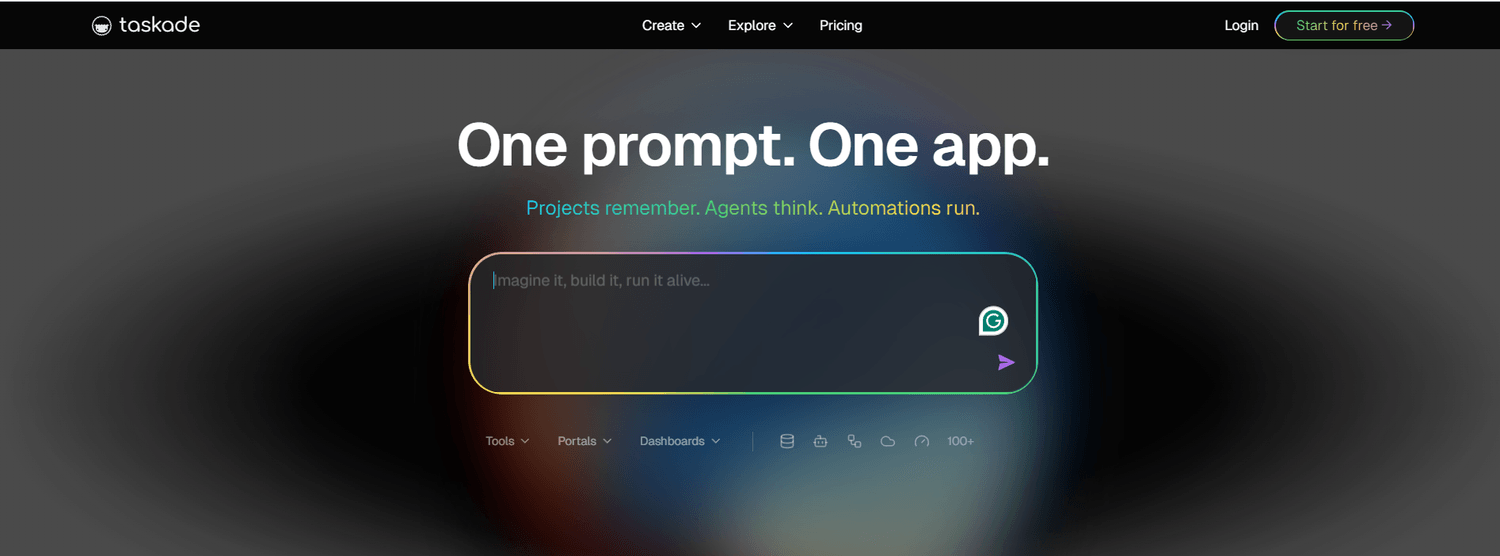
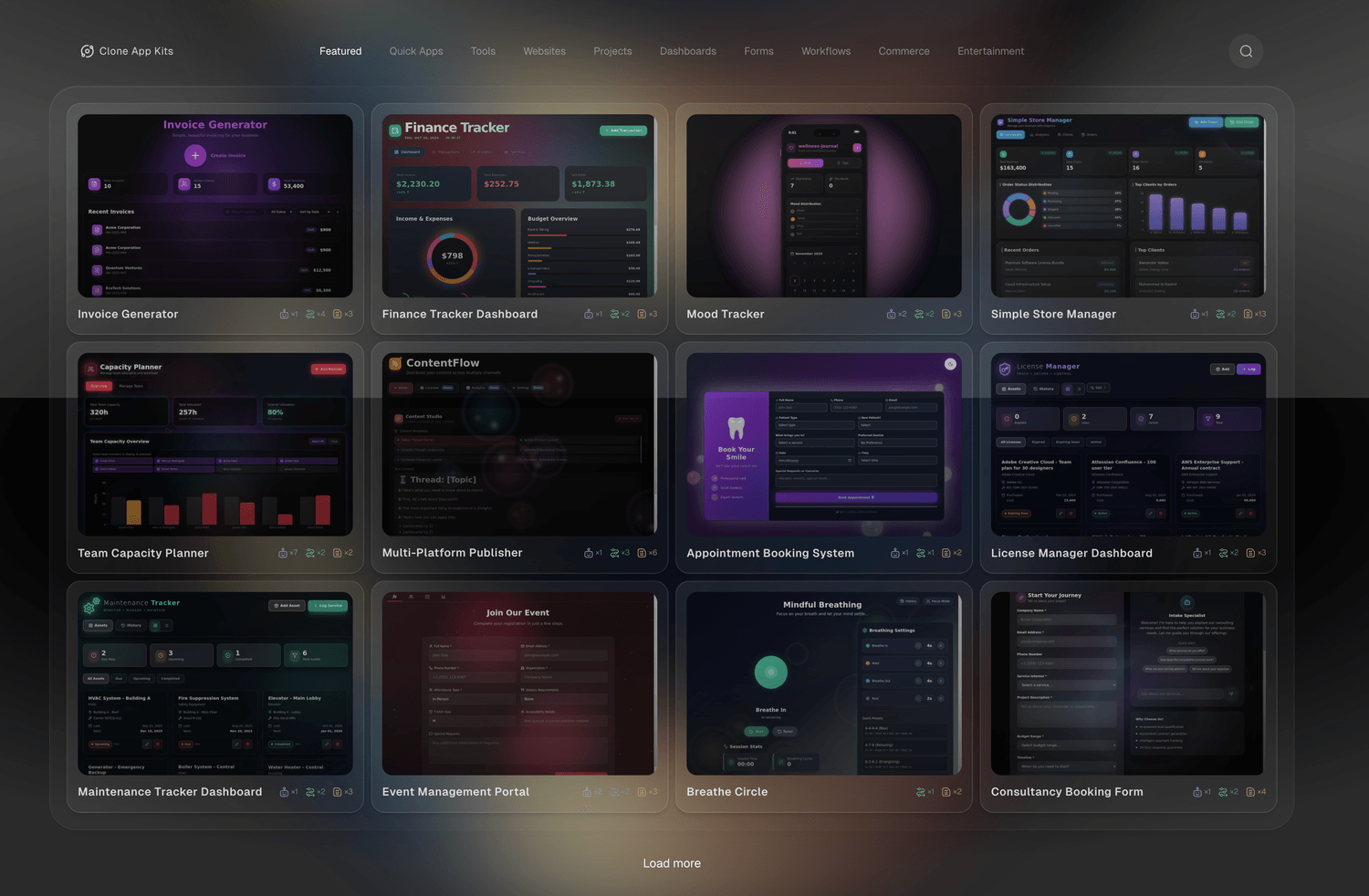
Taskade has evolved from a productivity tool into an AI-native workspace that can generate entire applications from simple text prompts. Its Genesis AI Project Generator and custom AI agents make it incredibly easy to build dashboards, client portals, and internal tools. With real-time collaboration, 100+ integrations, and a focus on AI-powered automation, Taskade is perfect for teams who want to build fast without sacrificing functionality.
How to Use Taskade
1 Create your free Taskade account
2 Use AI Genesis to generate your app structure
3 Customize the generated workspace and views
4 Train custom AI agents on your data
5 Invite team members to collaborate
6 Integrate with your existing tools
Starting at
Free tier • Starter from $6/mo
My Verdict
"The gold standard in AI-powered app building. Incredibly fast, intuitive, and perfect for teams who want to leverage AI without complexity."
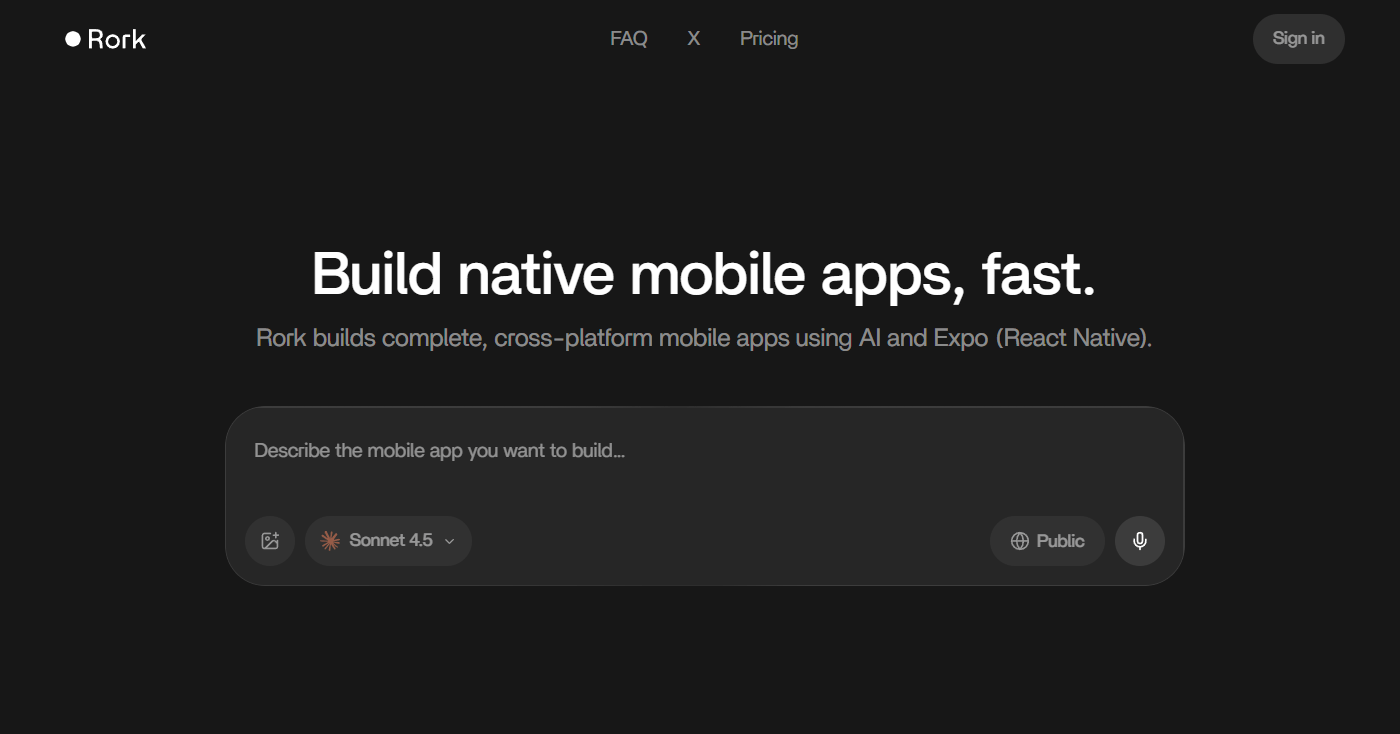
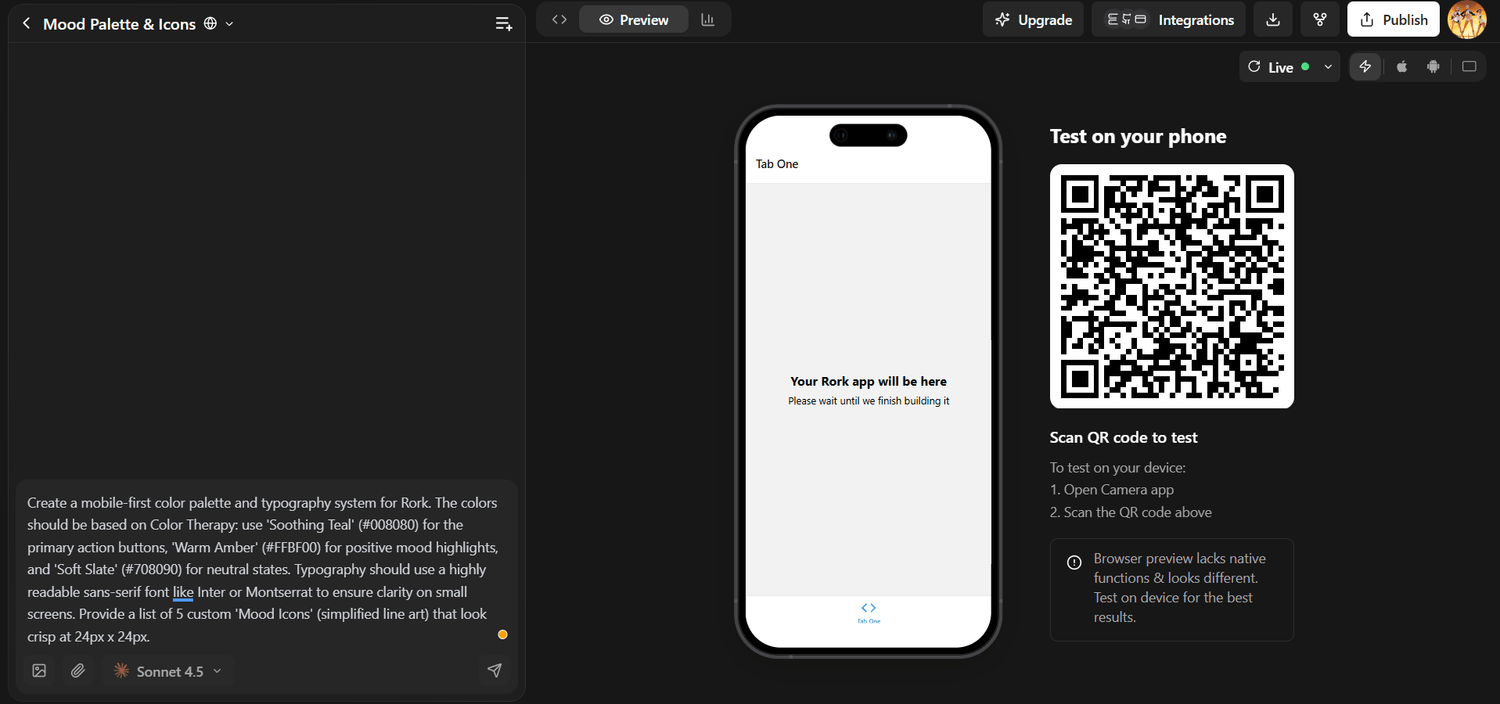
Rork AI specializes in building native mobile apps for iOS and Android using natural language descriptions—a concept they call 'vibe coding.' Built on React Native and Expo, Rork automatically generates your backend, handles authentication, and provides live mobile previews via QR codes. It's the fastest path from idea to App Store for indie developers and small businesses looking to launch mobile-first products.
How to Use Rork App
1 Sign up for a Rork account
2 Describe your app idea in natural language
3 Review and refine the generated app
4 Scan QR code to preview on your phone
5 Customize features and design
6 Deploy directly to App Store/Google Plan
Starting at
Junior from $20/mo (100 messages)
My Verdict
"Revolutionary for mobile app development. The 'vibe coding' approach is game-changing, though it's best suited for simpler apps and MVPs."
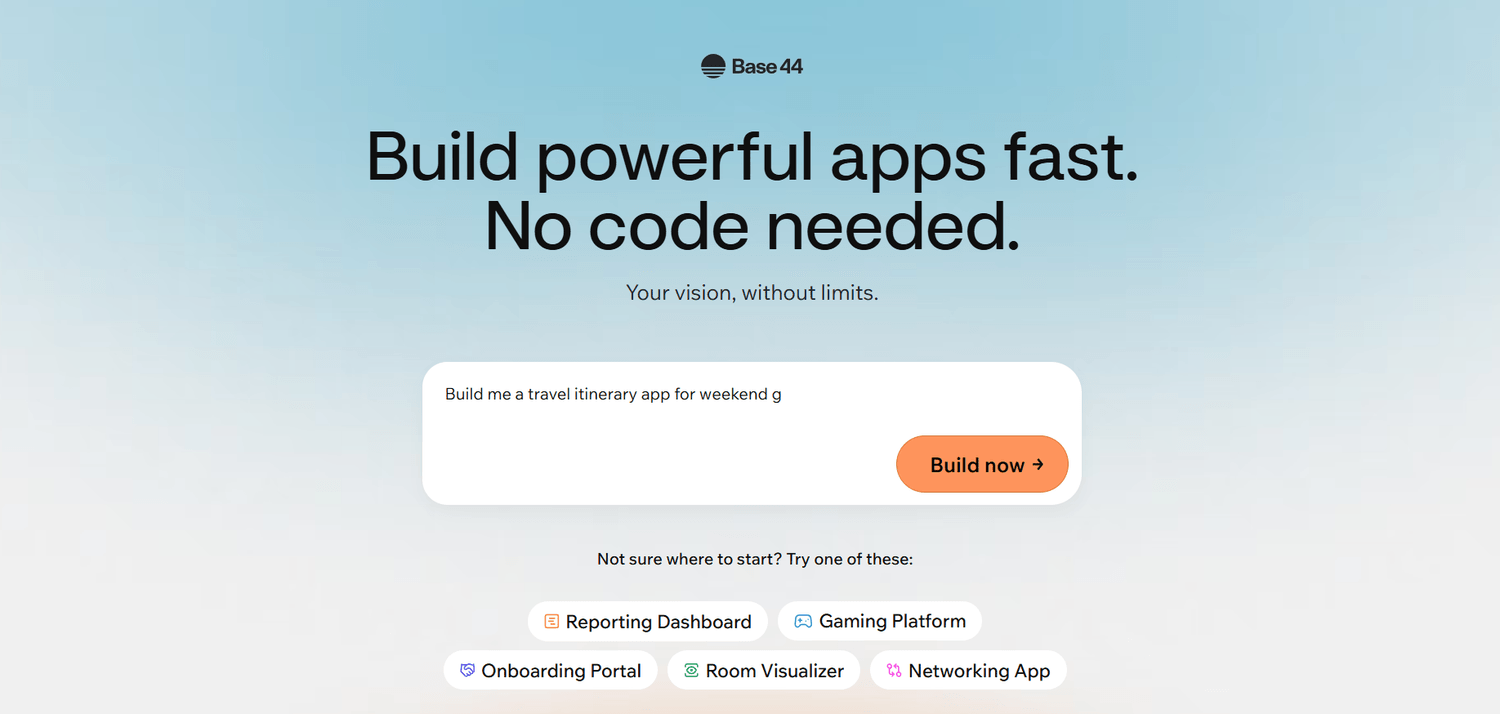
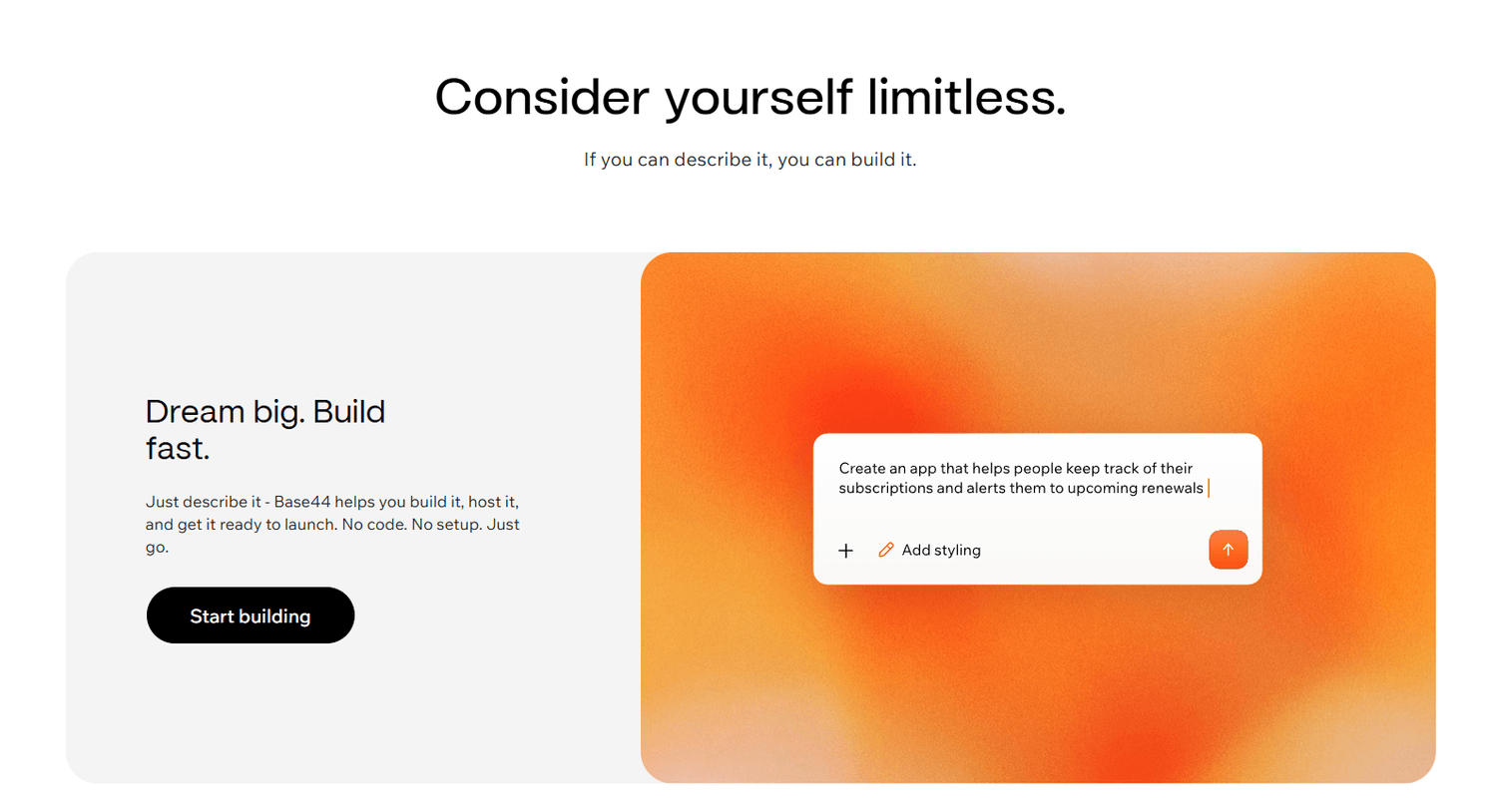
Base44 is an AI-powered no-code platform designed for building sophisticated business applications. It combines visual development with AI assistance to create internal tools, customer portals, and workflow automation systems. With robust database management, user authentication, and enterprise-grade security features, Base44 is particularly suited for organizations looking to digitize operations without heavy development resources.
How to Use Base44
1 Create an account on Base44
2 Describe your app requirements to the AI
3 Customize generated components and logic
4 Configure user roles and permissions
5 Connect to external services via API
6 Deploy and share with your team
Starting at
Free tier • Pro from $49/mo
My Verdict
"A solid choice for enterprise internal tools and business apps. The AI assistance accelerates development, though complex customizations may require patience."
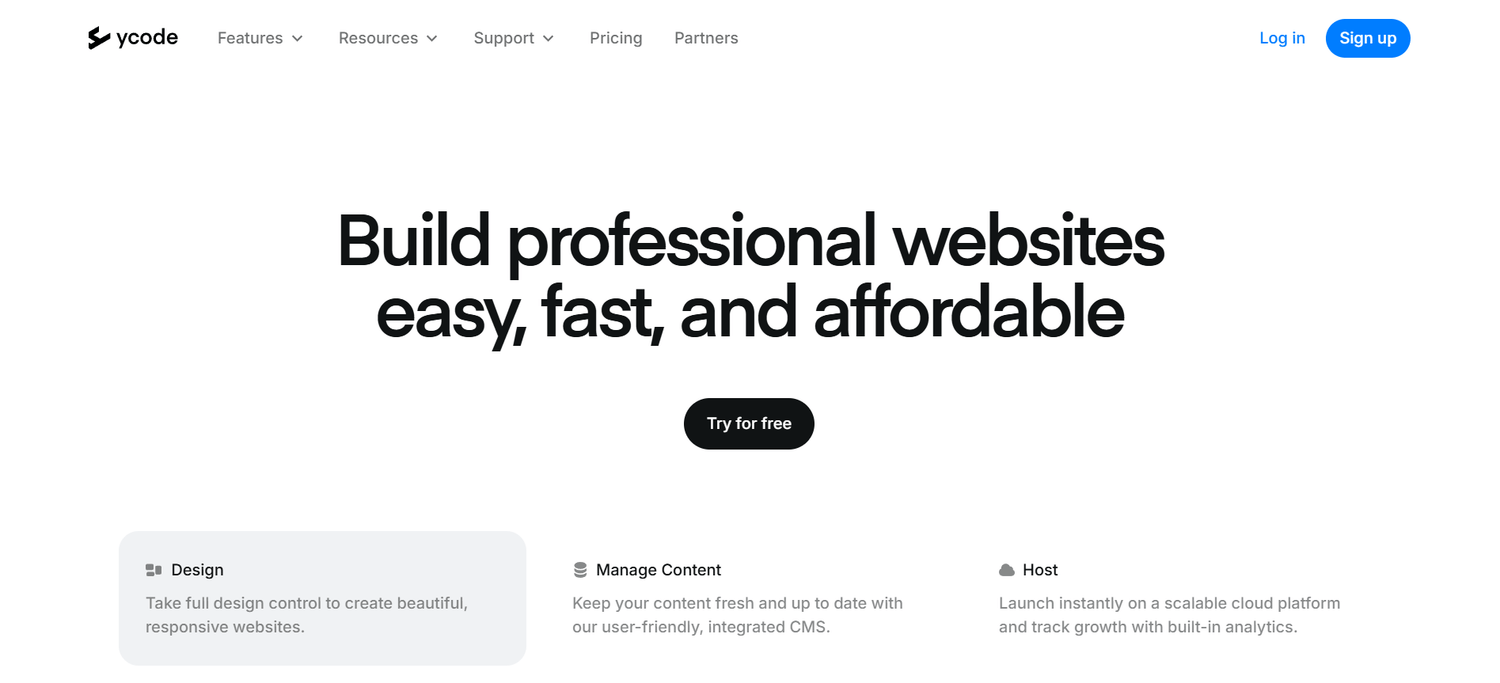
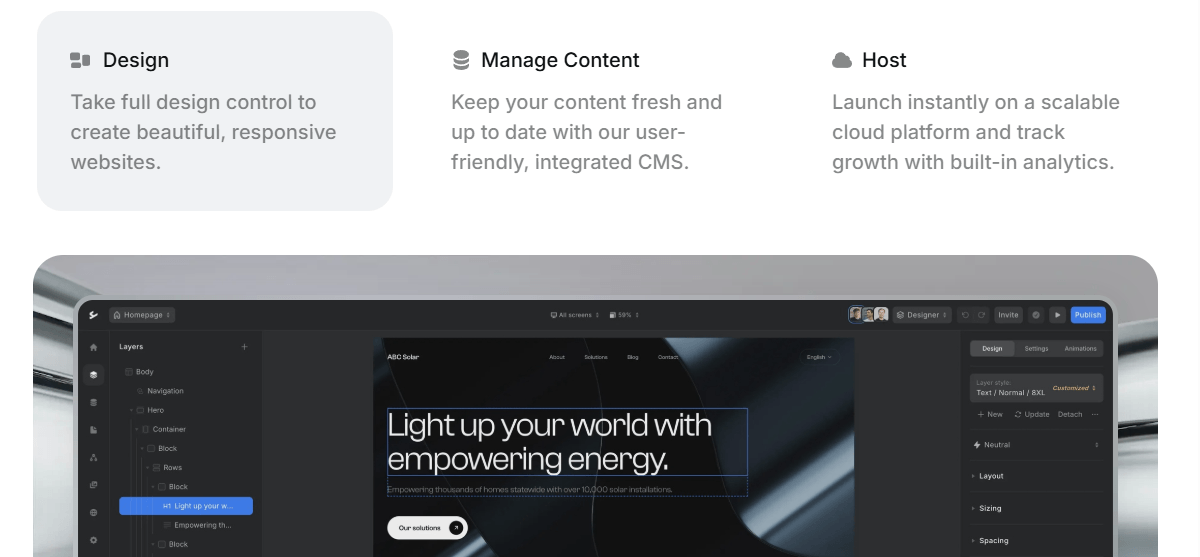
Ycode bridges the gap between design and development with its visually stunning no-code builder. It's perfect for designers and marketers who want pixel-perfect control over their web applications without touching code. With CMS capabilities, e-commerce features, and a focus on beautiful responsive design, Ycode excels at creating polished, professional websites and web apps that stand out.
How to Use Ycode
1 Sign up for Ycode
2 Choose a template or start blank
3 Design your pages with the visual editor
4 Set up CMS collections for dynamic content
5 Configure SEO and publishing settings
6 Launch your site to a custom domain
Starting at
Free tier • Starter from $15/mo
My Verdict
"Excellent for design-first projects and content-heavy websites. Less suited for complex app logic, but unmatched for visual polish and ease of use."
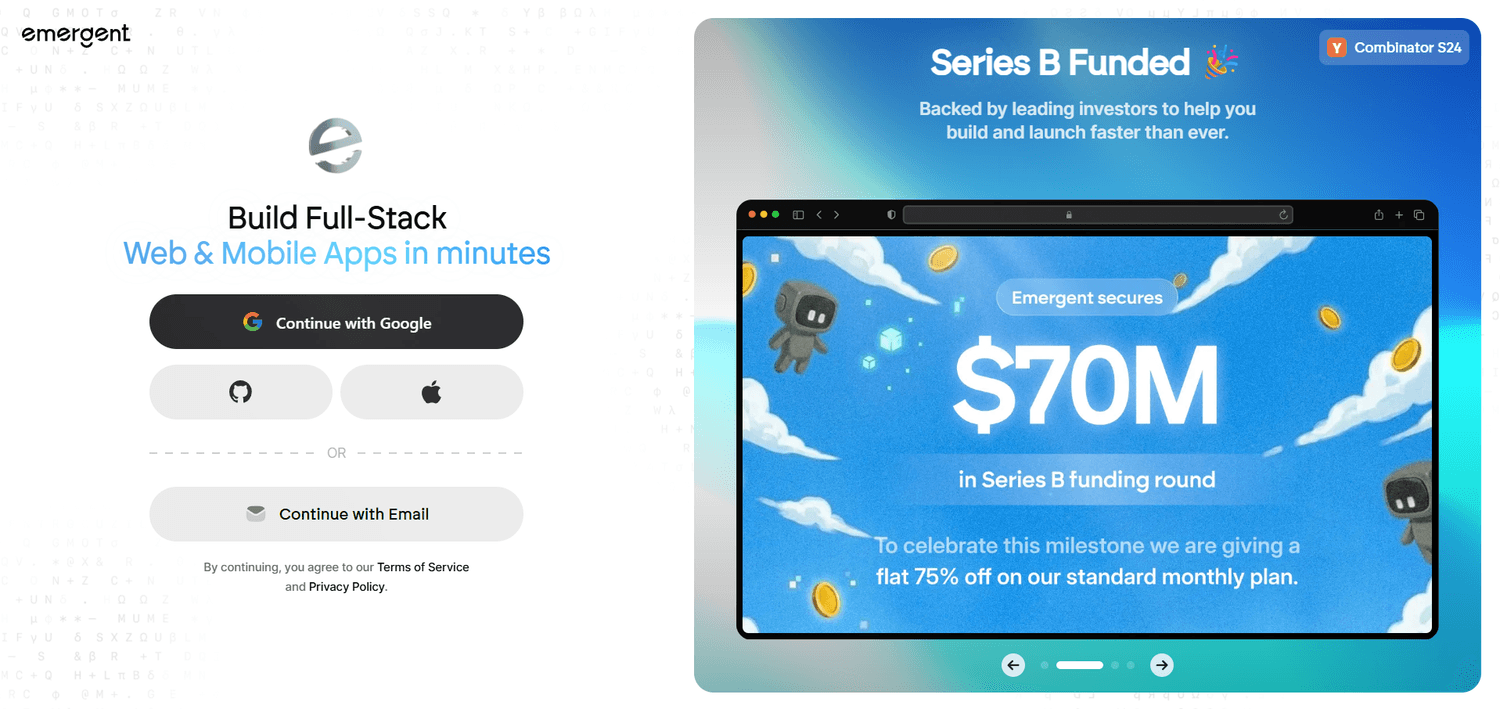
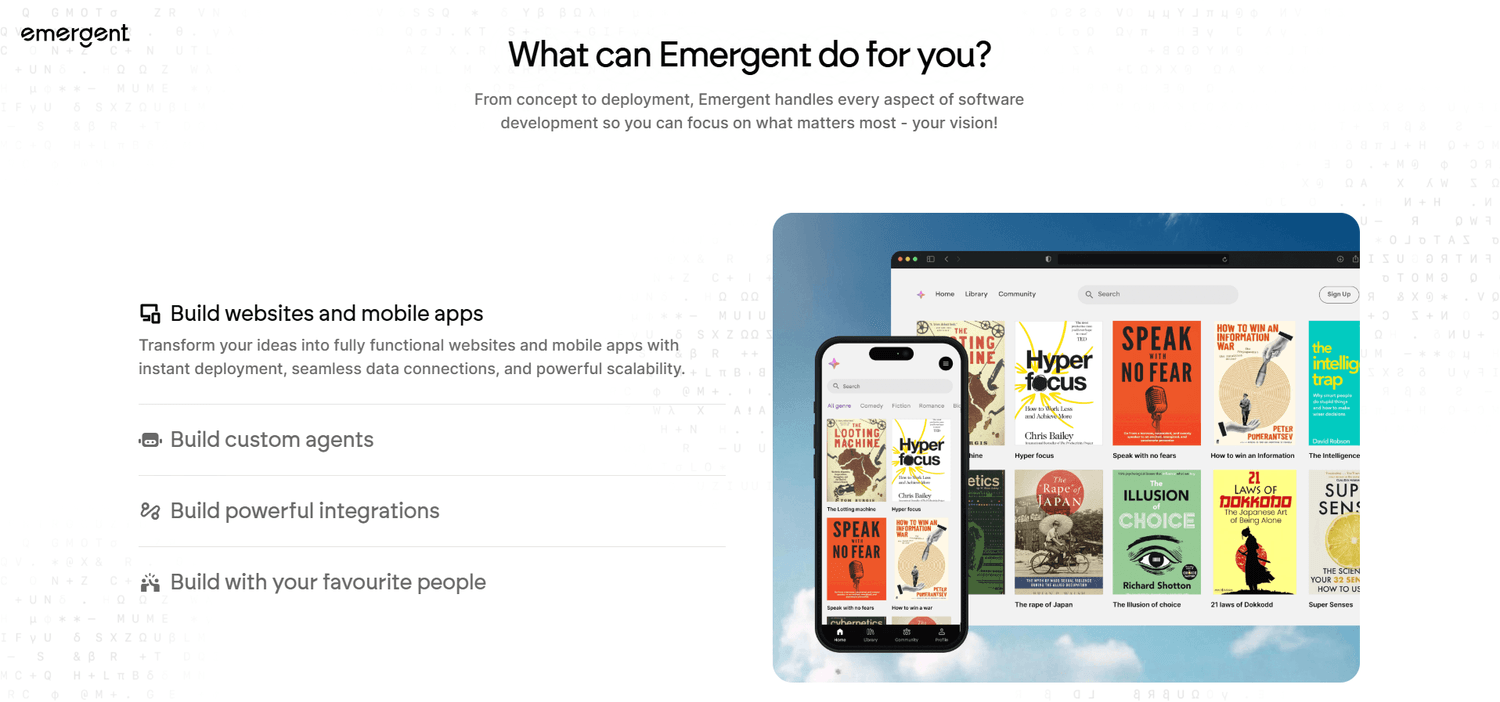
Emergent represents the next generation of AI-native app builders, using advanced language models to generate complete applications from conversational prompts. It's designed for rapid prototyping and idea validation, allowing users to iterate on app concepts in real-time through natural dialogue. While still maturing, Emergent showcases the future of how we'll build software.
How to Use Emergent
1 Join Emergent and start a new project
2 Describe your app idea conversationally
3 Iterate through dialogue with the AI
4 Preview changes in real-time
5 Refine and polish the generated app
6 Export or deploy your finished product
Starting at
Beta access • Plans from $29/mo
My Verdict
"A glimpse into the future of AI-first development. Best for quick prototypes and experimentation, but may need more maturity for production apps."
Pricing Comparison
Budget matters. Here's how each tool stacks up across different pricing tiers.
| Tool | Free/Trial | Starter |
Pro Plan
|
Enterprise | Target Use Case |
|---|---|---|---|---|---|
| Salesflow | 7-day trial | $79 |
$99
Recommended
|
Custom | Sales Teams |
| Writecream | Limited | $29 |
$49
Recommended
|
$99 | Copywriters |
| Buzz.ai | 14-day trial | $79 |
$129
Recommended
|
$299 | SDR Teams |
| mktg.ai | 14-day trial | $49 |
$79
Recommended
|
Custom | Marketers |
| Reelflow | 5 videos | $39 |
$59
Recommended
|
$149 | Video Sales |
| HeyReach | 7-day trial | $49 |
$79
Recommended
|
$199 | Agencies |
| Snov.io | 1,000 credits | $29 |
$39
Recommended
|
$99 | Lead Gen |
Side-by-Side Comparison
Compare features across all tools at a glance to find the perfect fit for your needs.
The Bottom Line
There's no single "best" AI sales tool—the right choice depends on your specific needs, budget, and workflow. However, if I had to pick just one for most teams, Salesflow offers the best balance of features, reliability, and results.
For budget-conscious teams, Snov.io delivers exceptional value without compromising on core functionality. And if LinkedIn is your primary channel, HeyReach is the clear winner.
Remember: the best tool is the one you'll actually use consistently. Take advantage of free trials to test each platform with your real workflows before committing. The investment in finding the right fit will pay dividends in saved time and increased conversions.
Written by Sarah Chen
Sarah Chen is the Editorial Director at Interactive Designs, a digital design and marketing studio helping businesses scale without relying on paid ads or massive teams. The reviews, recommendations, and insights published under Sarah's name are produced by the Interactive Designs editorial team, who collectively research and hands-on test each tool and strategy featured on this site. Our recommendations reflect real experience from our analysts and growth consultants.
Disclaimer: All opinions expressed are personal and provided for informational and educational purposes only. Please conduct your own due diligence before purchasing any tools. In the interest of transparency, this article contains affiliate links — if you purchase them, we may earn a small commission at no additional cost to you. This does not influence our reviews; we only feature tools our team has personally tested and found genuinely useful. If you have any questions or concerns, please don't hesitate to reach out at hello@interactivedesigns.com.
Get My Curated Tool Recommendations
Join 1,000+ designers and creators who receive my hand-picked tools for UGC, AI writing, video production, and more — delivered weekly.
© 2026 Sarah Chen, Interactive Designs. All rights reserved.
Get my top recommended tools
We HATE spam. Your email address is 100% secure.